
This manual introduces the features and functions of the MTH800 TETRA handportable terminal, including how to install the battery, antenna, use the buttons, display screen, etc.
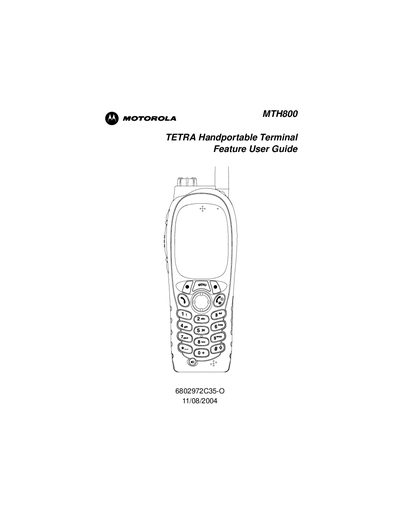
This guide provides safety information, battery installation and maintenance procedures, and an overview of the device's controls and indicators. It explains how to power the terminal on and off, unlock the unit, and attach the antenna.
The manual also describes operating modes such as TMO and DMO, call handling, GPS location services, and menu settings, helping users to configure and use the MTH800 effectively in the field.
Press the On‑Off/End/Home key, or use the Emergency button to power the device.
Select the Unlocking option in the menu to unlock the device.
Follow the Attaching the Antenna section to connect the antenna securely.
Use the Selecting TMO or DMO Operation menu item to change the mode.