
This is a user guide for M7 amplifier with DAC produced by Origenae. This manual mainly introduces the product specifications, dimensions, front panel layout, back panel layout, operating environment, connecting and wiring, computer setup, etc.
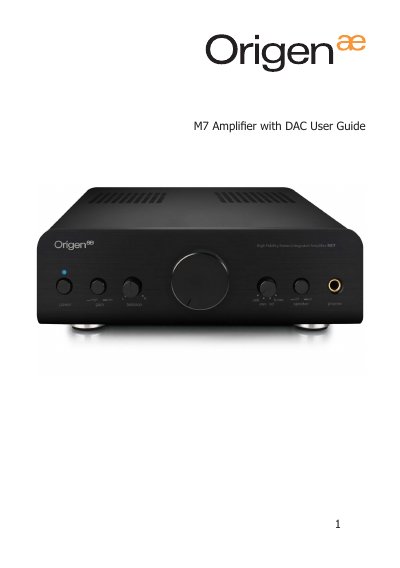
The M7 is a two‑channel Hi‑Fi stereo integrated amplifier with a built‑in DAC. This guide explains its features, safety warnings, and how to connect and operate the unit.
Key sections cover specifications, dimensions, front and back panel layouts, recommended operating environment, wiring instructions, and step‑by‑step computer setup for Windows, macOS, and Linux.
| Power output (4 Ω) | 50 W RMS per channel |
|---|---|
| Power output (8 Ω) | 25 W RMS per channel |
| Frequency response | 5 Hz ~ 120 kHz (-3 dB) |
| Signal‑to‑Noise Ratio | > 85 dB |
| Total Harmonic Distortion | < 0.05 % (20 kHz/8 Ω) |
| DAC chip | Wolfson WM8740 |
| USB streaming controller | Tenor TE7022L |
Press the power button once to turn it on; press again to turn it off.
Depress the gain button; the gain will be set to high.
Open Control Panel → Hardware and Sound → Manage audio devices, select “Speakers – Origenae USB DAC”, and click Set Default.
Do not expose the unit to rain, moisture, direct sunlight, high dust, vibrations, unstable surfaces, heat sources, or humid/poorly ventilated areas.