
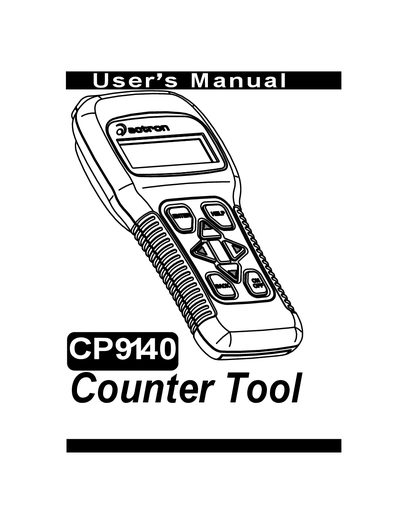
This manual provides instructions for using the CP9140 counter tool
This manual begins with extensive safety precautions, warning users about risks such as electric shock, explosion, fire, poisoning, and injury from flying particles. It emphasizes the use of safety goggles, protective gloves, proper ventilation, and careful handling of batteries and fuel systems.
The later sections describe how to get started with the Counter Tool, including tool navigation, power options, display and keyboard functions, and detailed diagnostic procedures for various vehicle systems (GM, Ford, Chrysler, OBD‑I/II, etc.). It also covers accessories, printer compatibility, cabling, and serial port settings needed for data logging and code reading.
You must wear safety goggles and protective gloves; everyday eyeglasses are not sufficient.
Do not exceed voltage limits between inputs; use extreme caution with circuits greater than 60 V DC or 24 V AC.