
This manual introduces the features and usage of C4000 and S4000 universal remote controls. This manual also introduces how to install batteries, program device control, set up combo unit, search for codes, check codes, program channel control lock, unlock channel control, lock channel control to CBL, change volume lock, unlock volume control for a single device (Individual Volume Unlock) etc.
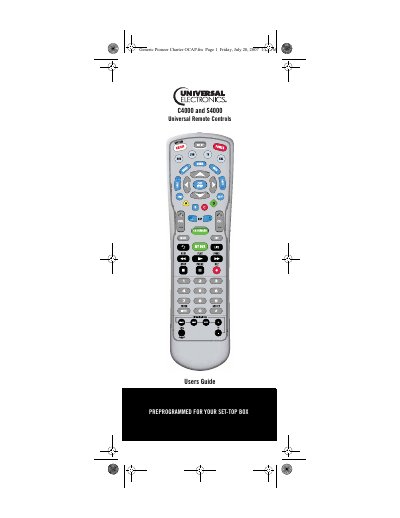
The guide introduces the C4000 and S4000 universal remote controls, highlighting their ability to replace up to five separate remotes and offering features such as pre‑programmed cable/satellite control, macro keys, channel and volume locks, and device key re‑assignment. It walks users through installing the two AA batteries, selecting devices, and performing initial programming steps.
Detailed sections cover key charts for each model, a device table, step‑by‑step programming of device control, combo unit setup, code searching, channel and volume lock programming, cable ID lock, On‑Demand macro programming, and troubleshooting. The manual also includes FCC notice, manufacturer’s codes, and setup codes for a wide range of audio‑video equipment.
| Maximum devices supported | 5 |
|---|---|
| Battery type | 2 AA batteries |
The remote can control up to five devices simultaneously.
Use the Channel Control Lock function as described in the programming section of the manual.