
This document is a user manual for a certain brand and model of product, which introduces the functions and features of the product, such as how to connect to the phone, how to charge, and how to use the APP.
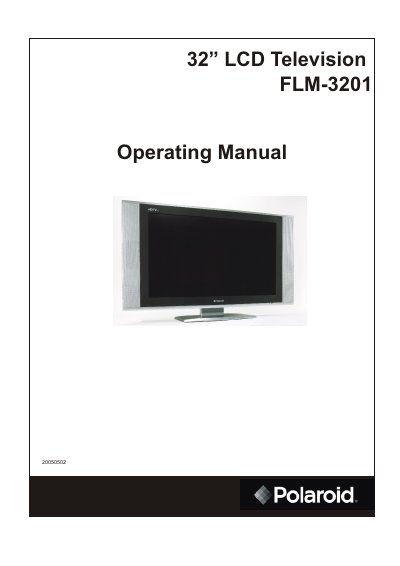
This manual covers important safety precautions, power and antenna connections, and detailed instructions for operating the remote control. It also explains how to turn the TV on and off, navigate menus, and customize picture and sound settings.
Additional sections describe channel memorization, signal source selection, and troubleshooting tips, along with service and warranty information for the Polaroid FLM-3201 32‑inch LCD television.
| Screen size | 32 inches |
|---|
Open the battery cover, insert two size‑AA batteries with correct polarity, and replace the cover.
A 75‑ohm coaxial cable connector is built into the set for easy hookup to the ANT terminal.