
This manual introduces how to use the remote control to control 6 different devices and provides the steps to set up the remote control.
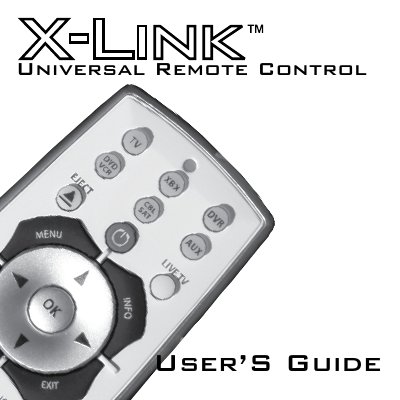
The X‑Link universal remote control can operate up to six different devices and provides 50 programmable buttons. The guide walks you through inserting two AA batteries, basic operation, and the layout of the remote.
It details several programming methods, including the four‑digit code entry, learning from an existing remote, and advanced configuration such as punch‑through volume control. FCC and ICES certifications and legal notices are also included.
| Battery type | Two AA batteries |
|---|---|
| Number of programmable buttons | 50 |
| Maximum devices controllable | 6 |
| FCC classification | Class B digital device |
It can control up to six different devices.
The remote uses two AA batteries.
Yes, the remote can learn buttons from other remotes using the learning method described in the guide.