
The NV-LRC1 learning remote control user's guide introduces the features and usage of the remote control, supports the control of multiple devices, and can wirelessly connect up to six audio components.
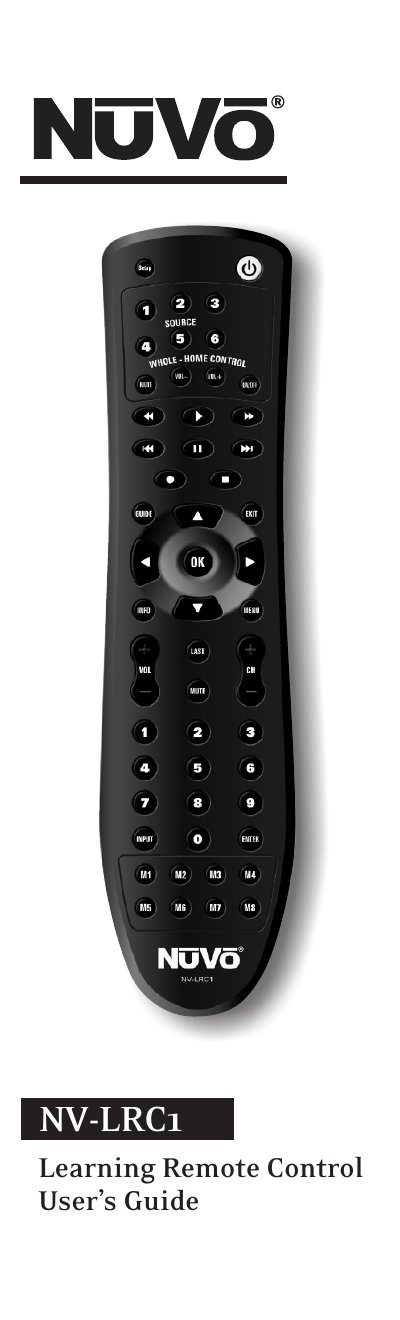
The NV-LRC1 is a universal learning remote that can control up to six audio devices and includes more than 1,000 built‑in infrared codes. The guide covers battery installation, basic operation, device code searching, volume lock settings, macro programming, and the learning feature.
Detailed sections walk you through programming devices, creating mode‑independent or mode‑dependent macros, using the learning function to add custom commands, and troubleshooting common issues such as LED behavior and unresponsive devices.
| Battery requirement | 2 AAA batteries (included) |
|---|---|
| Built‑in IR codes | Over 1,000 manufacturer codes |
| Macro capacity | Up to 32 key presses per macro |
It requires two AAA batteries, which are included with the remote.
Each macro can hold up to 32 key presses.
Replace the battery with a new 3.3 V 2032 lithium battery.