
This document is a user guide for Polaris Remote Control Télécommande Polaris, which explains how to get started quickly and control your television, satellite receiver, and backlight.
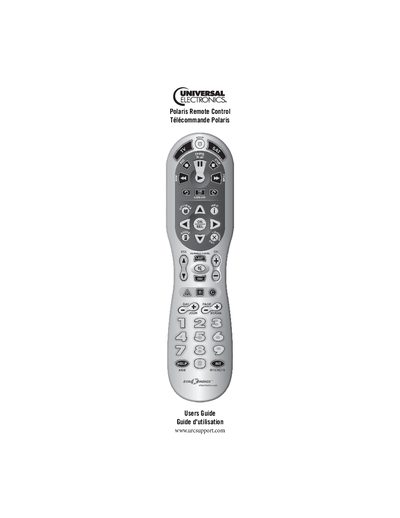
This guide walks you through the quick start steps for the Polaris Remote Control, including battery installation and basic operation of TV and satellite functions. It also details how to program the remote for various devices using manufacturer codes.
Additional sections cover key features such as backlit keys, code searching, troubleshooting tips, and FCC compliance information, helping you get the most out of your universal remote.
Refer to the “Installing Batteries” section on page 11 for step‑by‑step instructions.
Press the TV key, hold SETUP until the TV key blinks twice, then enter the four‑digit manufacturer code; the key will blink twice if the code is valid.
Quickly press the SETUP button twice; all keys will light for a few seconds.
Press the TV key; it blinks once and the television powers on or off.