
This is the Claro TV remote control manual, which details how to use the remote control to operate Claro TV set-top boxes, TVs and IPTV
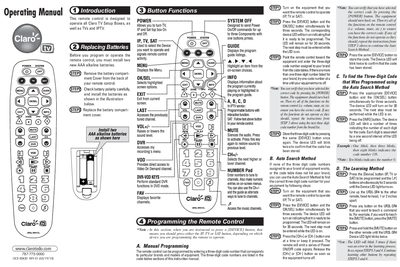
This manual explains how to install batteries, use the basic button functions, and program the Claro URSL‑SR4 remote for TV, IPTV, and set‑top boxes. It covers manual code entry, auto‑search, learning from another remote, and advanced macro programming.
Additional sections describe how to erase learned commands, program the System OFF button, manage volume and channel controls, and troubleshoot low‑battery warnings. The remote retains programmed memory for up to ten years even after battery removal.
| Battery type | AAA alkaline |
|---|---|
| Memory retention | 10 years without batteries |
| Low battery voltage | 2.3 V‑2.0 V |
Open the battery compartment, insert two new AAA alkaline batteries with correct polarity, and replace the cover.
Press the [DEVICE] and [OK/SEL] buttons together for three seconds, then enter the three‑digit code for your brand.
Press the [Device] and the appropriate erase button together for three seconds, then hold the command button for three seconds to confirm.