
This document provides instructions and information on the usage and features of the STARHUB Universal Remote Control. Users can control their TV sets and DVD players using this remote control, which supports a wide range of brands and models. The document includes setup codes and auto search steps for programming the remote control.
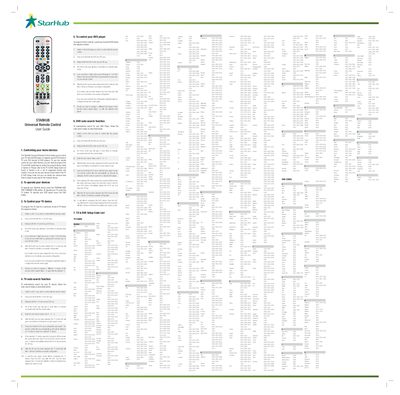
The StarHub Universal Remote Control allows you to control your TV and DVD player. It supports up to 678 TV brands and 230 DVD brands, and provides both manual code entry and auto‑search functions.
The guide details step‑by‑step procedures for programming a TV or DVD device, using the TV/DVD mode keys, entering the 4‑digit code, and confirming successful configuration with LED blinks. It also describes the auto‑search mode, which cycles through the internal code database to find the correct code automatically.
| Supported TV brands | 678 |
|---|
Switch on the TV, then press and hold both the TV and OK keys; release them, enter the 4‑digit code, and the TV mode LED will blink three times to confirm success.
Turn on the TV, press and hold the TV and OK keys, release them, then press and hold the PLAY key to start auto‑search; the remote will cycle through codes until the TV turns off, indicating a match.
Press and hold the PLAY key after entering auto‑search mode to activate the search.