
This user guide introduces the AT6400 AllTouch IR Universal Remote Control. This remote control can simultaneously control four devices, such as TELUS TV digital box, TV, DVD player and VCR.
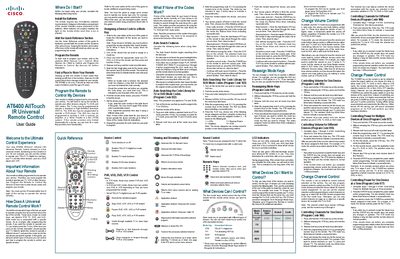
This guide introduces the AT6400 AllTouch infrared universal remote, which can replace up to four separate remotes (set‑top box, TV, DVD player, and an auxiliary device). It covers initial setup, battery installation, and the function of the four mode keys (STB, TV, DVD, AUX).\n\nDetailed sections explain how to program device codes manually or via the Auto‑Search feature, reassign mode keys, and customize volume, channel, and power controls. The guide also provides a quick‑reference table, troubleshooting tips, and instructions for resetting the remote to factory defaults.
| Battery type | Two AA alkaline batteries (recommended) |
|---|---|
| Mode keys | STB, TV, DVD, AUX |
It can control up to four devices, each assigned to one of the mode keys (STB, TV, DVD, AUX).