
This is an operation instruction for a 6-in-1 universal remote control, which explains the functions and usage of the remote control.
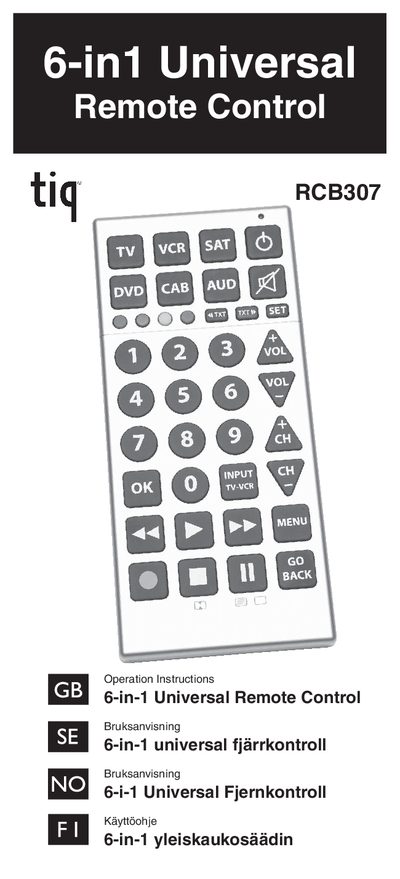
The RCB307 is a 6‑in‑1 universal remote that can control up to six device types, including TV, VCR, satellite, DVD, cable and audio equipment. The guide explains the remote's function keys, LED status indicator, and safety precautions.
Programming can be done manually, with Quick Power Search, or Auto Power Search, and the manual details battery installation, handling, and disposal. It also includes a code list for device brands and models.
| Supported device types | TV, VCR, SAT, DVD, CAB, AUD |
|---|---|
| Battery type | 2 AAA batteries |
| LED indicator | blinks to show remote is working |
Open the battery compartment on the back, insert two AAA batteries with correct polarity, and close the compartment.
Turn on the device, press its key, hold SET for 3 seconds, enter the 4‑digit code from the code list, and the LED will confirm if the code is valid.