
This document introduces the use of remote control, including button functions and programming methods.
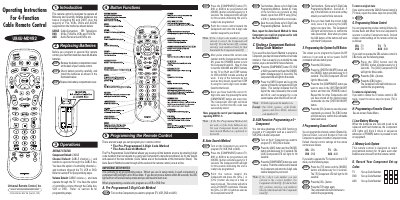
The UR4U-MDVR2 is a 4‑Function cable remote designed to control cable set‑top boxes, TVs, VCRs, DVDs and audio equipment. It supports both Motorola and Scientific Atlanta digital set‑top boxes and a wide range of other devices.
The manual details two programming methods – the Pre‑Programmed 3‑Digit Code Method and the Auto‑Search Method – as well as how to program a fourth auxiliary component, system on/off button, channel and volume controls, battery replacement, low‑battery warning, and memory lock features.
| Battery type | AA Alkaline |
|---|---|
| Supported devices | Cable boxes, TVs, VCRs, DVDs, Audio receivers |
| Maximum components programmable | 4 |
Remove the battery compartment cover, insert two AA alkaline batteries with correct polarity, and replace the cover.
When the batteries are low, the component LED will blink twice each time the POWER button is pressed, indicating you need to replace the batteries.
Press the CBL button in step 3 of the channel control programming procedure to restore the default channel control to the cable box.