
ViewSonic PJD6553w is a full-digital widescreen education projector equipped with BrilliantColor™ technology to deliver impressive color performance in any room. 1280 x 800 (WXGA) resolution, 3500 lumens and 15,000:1 contrast ratio offer outstanding digital clarity for sharp graphics and stunning video. DynamicEco™ eco-friendly mode provides energy and cost savings, and minimizes noise to eliminate distractions during class. RGB and HDMI connectivity plus an integrated 10W speaker enable excellent multimedia presentations to enhance the learning experience. Use Crestron RoomView® to remotely manage up to 250 networked projectors through RJ45 connectivity. With 3-second power-on and instant power-off times, teaching has never been more efficient or effective.
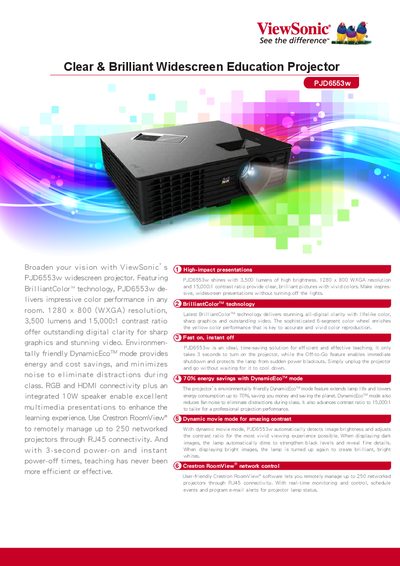
This manual covers the ViewSonic PJD6553w widescreen education projector, highlighting its BrilliantColor™ technology, 3‑second power‑on, instant off, and DynamicEco™ energy‑saving mode. It also explains network control via Crestron RoomView® for managing up to 250 projectors.
Detailed specifications, connectivity options, and operating guidelines are provided, including resolution, brightness, contrast ratio, lamp life, and installation dimensions. The document includes a quick‑start guide and safety information for classroom environments.
| Resolution | 1280 x 800 |
|---|---|
| Brightness (Max.) | 3,500 lumens |
| Contrast Ratio | 15,000:1 |
| Weight (Net) | 5.7 lbs (2.6 kg) |
| Throw Ratio | 1.21 ~ 1.57 |
| Projection Size | 29" ~ 306" |
It only takes 3 seconds to turn on the projector.
Crestron RoomView can remotely manage up to 250 networked projectors.