
This document provides instructions on how to program a remote control.
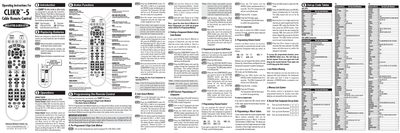
The CLIKR‑5 remote control (models URSU‑8700L and URSU‑8720L) is designed to operate cable set‑top boxes and a wide range of TV, VCR, DVD and audio equipment. It works with major brands such as Scientific‑Atlanta, Pioneer, Pace, Samsung and Motorola.
The manual covers battery replacement, default settings, button functions, and two programming methods – a pre‑programmed 3‑digit code method and an auto‑search method. It also explains how to program system on/off commands, channel and volume controls, macro buttons, low‑battery warnings, and memory lock features.
| Battery type | AA alkaline |
|---|---|
| Memory retention | 10 years |
| Maximum power commands per System On/Off button | 5 |
| Component LED indication time | 30 seconds |
After the component LED lights, press the INFO button; the number of LED blinks indicates the first digit, followed by pauses for the second and third digits.