
This document is the user guide for the ViewSonic NextVision N4 video processor, which includes information on the package contents, safety precautions, remote control usage, front and back views of the video processor, and menu settings.
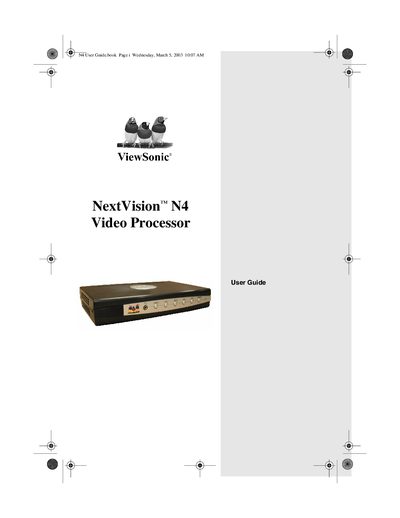
This guide helps you install and use the ViewSonic NextVision N4 Video Processor, covering connections to DVD players, game consoles, VCRs, and other sources. It includes safety precautions, remote‑control activation, and menu navigation.
The manual contains sections on package contents, remote‑control battery replacement, menu setup, specifications, warranty information, and troubleshooting tips to keep the device running reliably.
| Model Name | NextVision N4 Video Processor |
|---|---|
| Model Number | VSVBX25470-1 |
| Remote Control Battery | 3 V Lithium battery |
| Power Adapter | AC/DC adapter included |
| Supported Video Sources | DVD, game console, VCR, Laser‑Disc, stereo, cable/satellite antenna |
Insert a ballpoint pen into the pinhole on the back, remove the cover, and insert a 3 V lithium battery.
Do not overload power outlets with extension cords or plugs.