
This document is the user guide for the ViewSonic® VA2223wm LCD display, providing information on product installation, usage, and warranty.
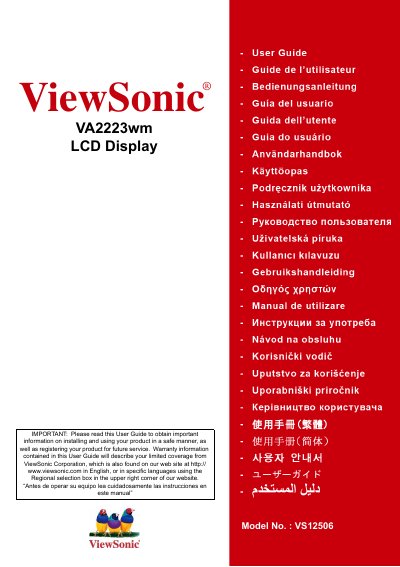
This manual covers everything you need to set up and operate the ViewSonic VA2223wm 21.5" LCD display, including safety precautions, quick installation, wall‑mounting, and on‑screen menu controls. It also contains regulatory compliance details, product registration instructions, and warranty terms.
The guide includes specifications such as resolution, power requirements, dimensions, and environmental operating limits, helping users configure the display for optimal performance and comply with regional standards.
| LCD Type | TFT Active Matrix, 21.5" (22") viewable diagonal |
|---|---|
| Resolution | 1920 x 1080 (Full HD) |
| Pixel Pitch | 0.24825 mm |
| Input Signal | RGB analog (0.7/1.0 Vp‑p, 75 Ω), Separate Sync |
| Power Voltage | 100‑240 VAC, 50/60 Hz (auto switch) |
| Dimensions (W×H×D) | 512 mm × 388 mm × 217 mm (20.15" × 15.28" × 8.54") |
| Weight | 9.26 lb (4.1 kg) |
| Power Consumption | 51 W typical (on), <1 W standby |
ViewSonic provides a three‑year warranty for all parts, including the light source, and three years for labor for the original consumer purchaser, covering defects in material and workmanship.
The preset timing mode is 1920 × 1080 @ 60 Hz, and other supported resolutions include 1680 × 1050, 1600 × 1200, and 1024 × 768 at various refresh rates.