
This manual introduces the ITP-5121D IP Keyset, including assembly, setup, external calls, intercom calls, call processing, etc.
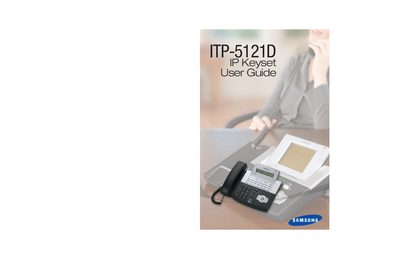
The ITP-5121D is an IP‑based telephone keyset that uses an existing data network to send and receive voice and data. It features an LCD screen that displays call information and system status, making everyday telephone communications easier.
This guide covers assembling the keyset, configuring outside and intercom calls, dialing features, paging and messaging, convenience functions such as Do Not Disturb, and customization options like ring tones and password settings. It also includes reference tables for personal speed‑dial numbers and system feature codes.
| Keyset type | IP Keyset |
|---|---|
| Display | LCD screen |
| Supported OfficeServ series | OfficeServ 100, OfficeServ 500, OfficeServ 7000 |
The guide covers the Samsung ITP-5121D IP keyset.
It is part of the OfficeServ 100, OfficeServ 500, and OfficeServ 7000 Series.
Personal speed‑dial numbers are listed on page 95 under "PERSONAL SPEED DIAL NUMBERS".