
This manual describes how to program the remote control for your home audio/video equipment.
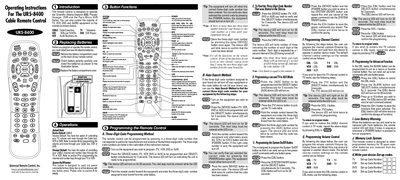
These operating instructions cover the Universal Remote Control UR5-8400, a universal cable remote designed for devices such as the Scientific Atlanta Explorer 8000, Pioneer Voyager DVR, and Pace Micro DVR, as well as most TVs, VCRs, DVD players and audio receivers. The guide explains how to install batteries, replace them, and understand the default device settings.
Key sections describe three‑digit code programming, auto‑search code discovery, and how to program specific functions such as power, channel, volume, and advanced macro commands. Additional information includes low‑battery warnings, memory lock details, and how to write or retrieve set‑up codes for TV, VCR, DVD, and AUX devices.
| Battery type | AA alkaline |
|---|---|
| Default device | CABLE |
| LED indicator duration | 20 seconds |