
This is a user manual for a remote control. It introduces the basic functions and usage methods of the remote control, including pre-programmed method, learning method, volume control punch through, advanced operation, advanced settings, editing button labels, macro button setup, favorite channel setup, hiding and adding pages, erasing, cloning one MX-350 to another, recalling pre-programmed settings, and utilizing optional RF base stations.
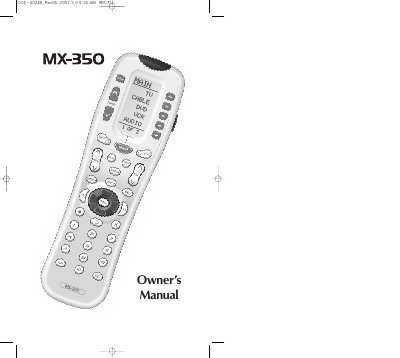
This manual guides you through the basic and advanced setup of the MX-350 universal remote, including pre‑programmed code entry, learning mode, and customization of button labels, macros, and favorite channels. It also covers optional RF base stations, backlight settings, and troubleshooting tips.
The document includes a full list of device codes, detailed instructions for volume‑punch‑through, macro creation, and battery maintenance, plus warranty information and technical specifications of the remote.
| Learning Capability | 784 IR commands at 15 kHz‑455 kHz |
|---|---|
| Macro Capability | 472 macros, up to 190 steps each |
| IR Range | 30‑50 ft (line‑of‑sight) |
| RF Range | 50‑100 ft |
| RF Frequency | 418 MHz |
| Weight | 8 oz (with batteries) |
| Dimensions | 8.5 in × 2 7/16 in × 1 in |
| Power source | Four AAA alkaline batteries (included) |
| LCD size | ≈ 7/8 in × 1‑7/8 in |
A macro button is a programmable MX‑350 button that performs a series of commands with a single press, such as turning on the TV, receiver, and DVD player and selecting the correct input.
No. The MX‑350 stores all settings in non‑volatile flash memory, so they remain after the batteries are removed or replaced.
You can reach Universal Remote Control technical support at 1‑914‑835‑4484, Monday‑Friday, 9 AM‑6 PM EST.