
This document is a guide on how to use and set up digital TV. It covers topics such as using the remote control, menu settings, signal connections, and channel searching.
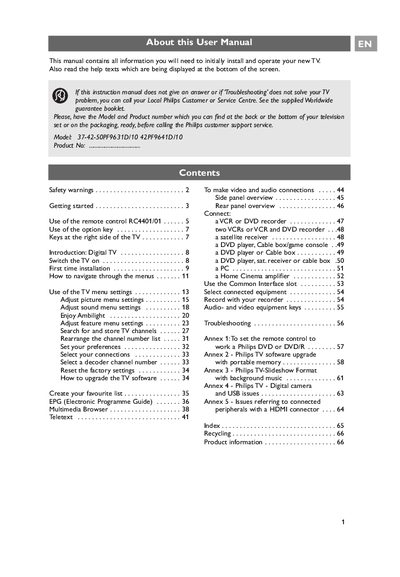
The manual guides you through the initial installation of your Philips TV, including safety warnings, placement, and connection of audio‑video equipment. It explains how to use the remote control, navigate menus, adjust picture and sound settings, and activate features such as Ambilight and the Electronic Programme Guide.
Further sections cover digital TV reception, troubleshooting, software upgrades, and environmental disposal information. Annexes provide details on remote‑control programming, software upgrades with portable memory, and handling of connected peripherals.
| Remote control model | RC4401/01 |
|---|---|
| Remote control battery type | R6 (1.5 V) |
| Connector types | EXT1 (CVBS, RGB, Audio L/R), EXT2 (CVBS, S‑VIDEO, RGB, Audio L/R), EXT3 (YPbPr, RGB H/V, Audio L/R), HDMI 1 & 2 |
Press the power switch on the side of the TV or the power button on the remote; an indicator lights up and the screen shows a welcome screen.
Insert the two supplied batteries (type R6, 1.5 V) making sure the (+) and (‑) ends are correctly aligned.
Use the rear connector panel: EXT1, EXT2, EXT3 for CVBS, RGB, S‑VIDEO, YPbPr, etc., and HDMI ports for digital video.