
This file is the instruction manual for using MULTIJIG to install worktops.
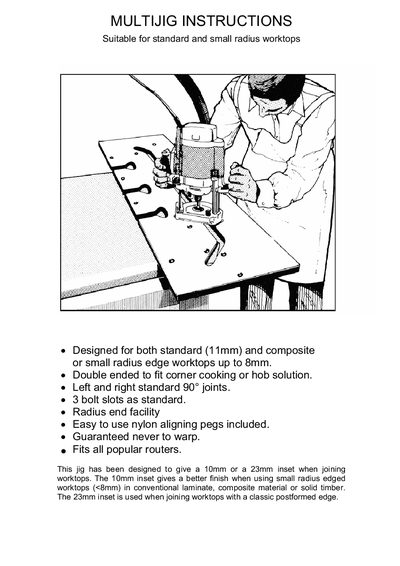
The manual begins with safety precautions, advising users to keep cables clear, support the workpiece, wear protective goggles and never operate the router with the blade touching the worktop. The jig is made from a CNC‑machined composite material that resists water, solvents and adhesives, and can be used on worktops 300‑700 mm wide. It provides 10 mm and 23 mm inset options for standard and post‑formed edges, with nylon aligning pegs to prevent warping.
Installation steps describe setting the router base with a 12.7 mm (½") tungsten‑tipped cutter and a 30 mm guide bush, positioning the jig, clamping with G‑clamps, and cutting in 5 mm depth increments. Users can select the 10 mm inset for small‑radius edges (<8 mm) or the 23 mm inset for classic post‑formed edges. Bolt slots are cut to about 20 mm depth, and the guide bush must remain firmly attached. A troubleshooting guide lists common problems and remedies. This manual is written in Chinese.