
This document introduces the main features of the STP-102S and STP-102P roll printers, including high speed printing, low noise thermal printing, RS-232 serial interface, parallel interface, data buffer, DIP switch, etc.
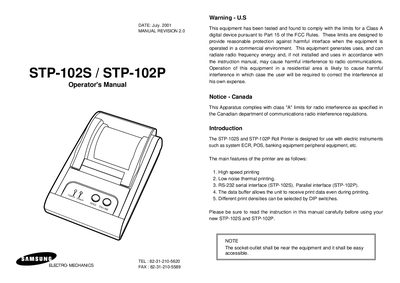
The STP-102S and STP-102P roll printers are designed for use with electric instruments such as POS and banking equipment. They feature high‑speed thermal printing, low noise operation, and selectable print densities via DIP switches. The STP-102S uses an RS‑232 serial interface while the STP-102P uses a parallel interface, and both models include a data buffer that allows receipt of print data during printing.\n\nThis manual provides step‑by‑step instructions for unpacking, connecting power and data cables, installing the paper roll, configuring DIP switches, running self‑tests, and using control commands. Appendices list connector types and specifications, and safety notices address FCC and Canadian radio‑interference compliance.
The STP-102S model uses an RS‑232 serial interface.
The STP-102P model uses a parallel interface.
The manual includes FCC Class A digital device compliance and Canadian Class A radio‑interference compliance notices.