
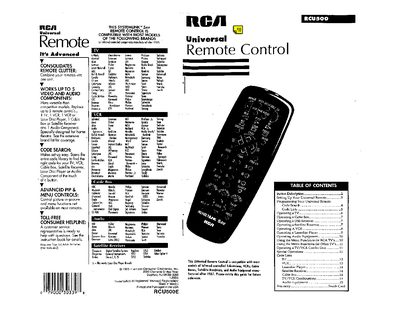
The RCA RCU500 universal remote is designed to replace up to five separate remote controls for televisions, VCRs, cable boxes, satellite receivers and audio components. It works with most infrared‑controlled devices manufactured after 1987 and includes a code‑search feature for easy setup.
The manual covers battery installation, device selection, programming via code lists or the Code Search method, and detailed operation of each supported device type. It also explains menu functions for RCA and other televisions, special operations for combo units, and warranty information.
| Maximum devices controlled | 5 video and audio components |
|---|
Turn the device on, press and hold the CODE*SRCH button, release it, then press POWER repeatedly until the device turns off; finally press ENTER.
The remote can control up to five video and audio components.
Press the TV button to select the TV, then press POWER to turn it on or off.