
This document is a user's guide for the AT8560™ AllTouch ® Remote Control, describing the features and characteristics of the product.
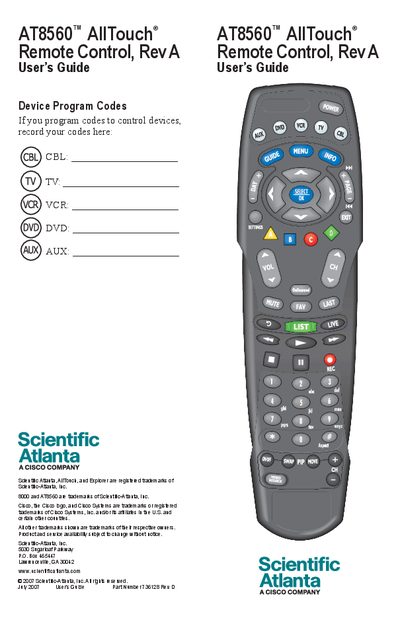
The AT8560 AllTouch Remote Control is a universal remote that consolidates five devices—TV, VCR, DVD player, set‑top box, and receiver—into a single controller. The guide explains how the mode keys select devices, how to program device codes, and how to use advanced functions such as power‑on/off synchronization.
The manual walks you through initial setup (installing two AA alkaline batteries), programming procedures, quick‑reference key functions, code tables for many brands, and FCC/Canadian compliance information. Safety notes and storage recommendations are also included.
| Battery type | 2 AA alkaline |
|---|---|
| FCC compliance class | Class B digital device |
| Model number | AT8560 |
| Manufacturer | Scientific-Atlanta, Inc. |
It can function as five remotes in one, controlling a TV, VCR, DVD player, set‑top box, and receiver.
The remote requires two AA alkaline batteries.
You must program a TV code; until a TV code is programmed, the Volume and Mute keys will not work.