
This document introduces the features and functions of the A-LRC2 remote control.
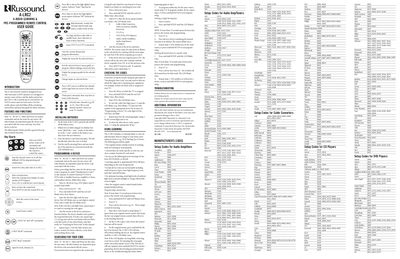
The A‑LRC2 Remote Control is designed for use with Russound A‑BUS® products and can control up to seven devices (six A‑BUS sources and one local source). This guide provides instructions for installing batteries, programming devices, searching for codes, and using the learning feature.
Key sections cover battery installation, device programming steps, code searching procedures, learning and deleting learned keys, and troubleshooting tips. The remote uses a red LED to indicate programming mode and supports approximately 40‑100 learned keys.
| Maximum devices controlled | 7 (six A‑BUS sources + one local source) |
|---|---|
| Battery type | 2 AA alkaline batteries |
| Learning capacity | Approximately 40 to 100 keys |
The remote can store roughly 40 to 100 learned keys, depending on the code being learned.