
This is a quick start guide for LG-420G, mainly introduces how to charge LG-420G phone, install and replace the battery
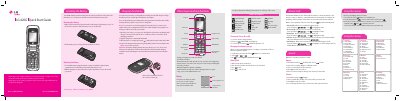
This guide shows how to install, remove, and replace the LG-420G battery, and how to charge it safely using the supplied wall charger. It also lists the battery specifications and important safety warnings.
The document explains basic phone functions such as turning the device on and off, changing the display language, making calls, using the menu system, and customizing sound profiles. Additional safety and regulatory information, including SAR limits, is included.
| Battery type | Lithium‑ion 3.7 V 900 mA |
|---|---|
| SAR (ear position) | 1.13 W/kg |
Insert the battery into the opening on the back of the phone, then slide the battery cover down until it locks into place.
A fully discharged battery requires up to 4 hours of charge time.
In Idle mode, press the Left soft key → Menu, then select the language option and choose English or Spanish.