
The Pax Lite Thermocouple Meter is a high-precision temperature meter that uses state-of-the-art digital electronics for greater accuracy and reliability. It features a full 4-digit display that accommodates a wide range of temperature inputs, and automatically compensates for cold junction, NBS linearity, and the meter's zero and span. It also features a readout choice of either Fahrenheit or Celsius with 0.1 or 1 degree resolution.
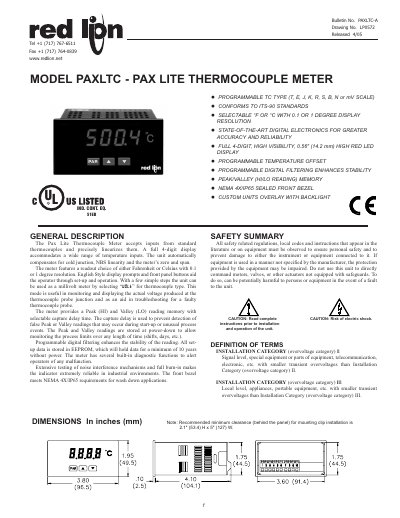
The PAX Lite Thermocouple Meter accepts standard thermocouple inputs and provides a 4‑digit high‑visibility LED display with selectable °F/°C and 0.1° or 1° resolution. It includes automatic cold‑junction compensation, programmable digital filtering, peak/valley memory, and EEPROM storage for settings.
The manual covers ordering information, detailed specifications, installation steps, wiring guidelines, EMC recommendations, front‑panel operation, programming procedures, and calibration instructions, ensuring reliable use in industrial environments.
| Display | 4‑digit, 0.56" (14.2 mm) high LED |
|---|---|
| Power Supply | 85 to 250 VAC, 50/60 Hz, 6 VA |
| Isolation | 2300 Vrms for 1 min between input and supply |
| Thermocouple Types | T, E, J, K, R, S, B, N or mV scale |
| Resolution | 0.1° for T, E, J, K, N; 1° for others |
| Input Impedance | 20 MΩ |
| Operating Temperature Range | 0 °C to 50 °C |
| Enclosure Rating | NEMA 4X / IP65 |
Press the & and W keys simultaneously to reset both peak and valley; press & then PAR to reset peak only, or W then PAR to reset valley only.
Tighten the latch screws to approximately 7 in‑lbs (79 N‑cm).
Select the decimal point position with the up or down arrow keys; this sets the display to 1° or 0.1° resolution for applicable thermocouple types.
Connect the shield only at the panel where the unit is mounted to earth ground for the most effective protection.