
This document is an instruction manual for the use of the SMT-i5220 phone. It mainly introduces the functions, layout, setup methods and other aspects of this phone.
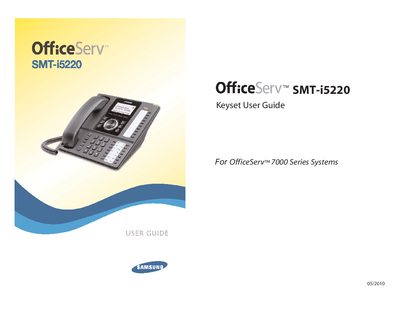
This guide introduces the SMT-i5220 keyset, part of the OfficeServ 7000 Series, and explains its IP‑based operation, hardware components, and required accessories. It covers safety cautions, box contents, power and network connections, and basic installation steps.
The manual details phone functions, frequently used features, system‑wide OfficeServ capabilities, and application notes such as voicemail and email integration. It also provides programming instructions for speed dial, feature access codes, and customization options.
| Power Supply | 5 V DC (adapter sold separately) |
|---|---|
| Network Interface | Ethernet LAN (UTP) cable |
A 5 V DC power adapter is required and is sold separately.
Connect the provided LAN (UTP) cable from the phone’s LAN port to the network.