
This document is the instruction manual for HTC TYTN II mobile phone
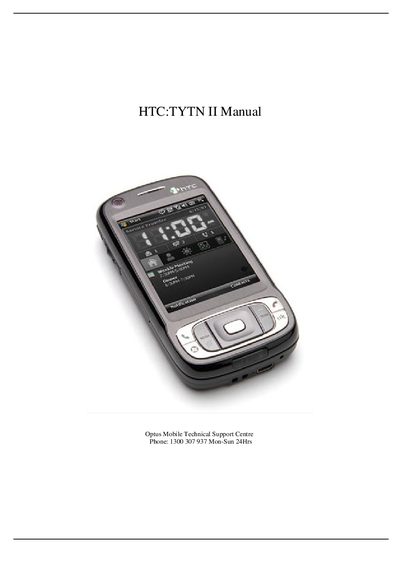
This manual provides detailed instructions for configuring and using the HTC TYTN II smartphone. It covers basic phone functions such as call forwarding, caller ID, SIM PIN changes, and volume control, as well as advanced features like live streaming and video calls.
The guide also includes network‑specific setups for Optus services, including Internet, MMS, and WAP configurations, plus procedures for SIM backup, SMSC reset, and checking the software version.
Open Settings → Phone → Change PIN, enter the current PIN (default 0000 or 1234), then enter and confirm the new PIN.
Select Start → Messaging, tap New Email Account, enter your name, email address, incoming and outgoing server details, then finish the setup.
Go to Start → Programs → Optus → Sim Back Up and choose Activate, Deactivate, Restore or Sync as needed.
Open Settings → Phone → Services → Voice Mail and Text Messages, retrieve the SMSC number (+61411990001) and confirm it in the Text Message Service Centre field.