
PosPrintPro is an easy-to-use software development tool that allows developers to add printing capability (including matrix printers and POS printers) to handheld devices running on the Pocket PC/Pocket PC 2002 operating systems. It features a simple-to-use library engine that enables the designer to print documents with complex text formatting by breaking them down into main components such as header and footer, introduction and conclusion sections, and cyclic-output data in the document body. It also supports features like print preview and printing of any type of document.
PosPrintPro is a C/C++ library for Pocket PC and Pocket PC 2002 that enables applications to print to matrix, ink‑jet and other POS printers using COM or IrDA connections. The manual describes key features such as simple integration, print preview, template creation, and fast multi‑copy printing.
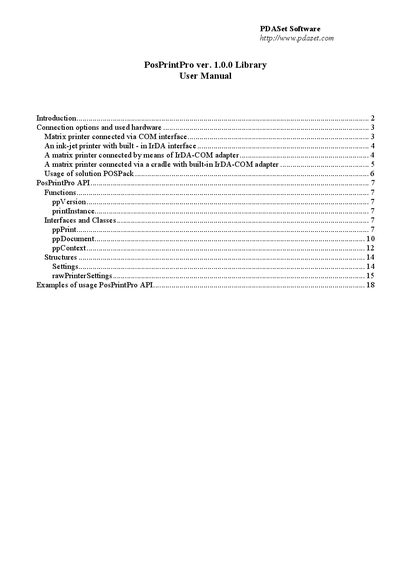
The guide details connection options (direct COM cable, cradle with COM, IrDA‑COM adapters) with example hardware, explains the API functions (ppVersion, printInstance, setup, rawPrint, rawPreview, etc.), and provides sample code for common printing scenarios.
| Supported printer types | IBM‑compatible, Epson‑compatible, OKI Microline, Canon BJC‑85 |
|---|---|
| Supported operating systems | Pocket PC, Pocket PC 2002 |
The ppVersion function returns the library version number.
Call the printInstance function, which returns a pointer to the ppPrint class.
Use the rawPrint method with a callback that provides line‑by‑line text.
The rawPreview method displays a preview using a callback that supplies the text.