
Anycall English User’s Guide for SK Telecom subscribers is an English user's guide for Samsung Anycall phones.
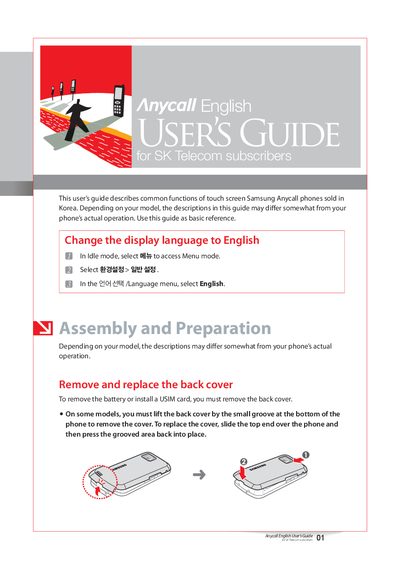
The guide provides step‑by‑step instructions for handling Samsung Anycall phones, including how to change the display language, remove and replace the back cover, install or remove a USIM card, and charge the battery. It also covers attaching accessories, inserting memory cards, and using the phone’s basic features such as making calls, adjusting volume, and setting wallpapers.
Additional sections describe key lock behavior, security settings, menu navigation, text entry methods, and important usage information such as battery care and warranty considerations. Service center contact details for Samsung and SK Telecom are provided at the end of the document.
| Supported memory card types | microSD, microSDHC |
|---|---|
| Battery charge indicator | Green light when fully charged |
| USIM requirement | USIM card required for advanced networks |
Connect the supplied charger to the phone (or battery holder) and a power outlet; when the charger light turns green the battery is fully charged.