
Newer Technology miniStack NAS User Manual, introduces the installation and use of miniStack NAS
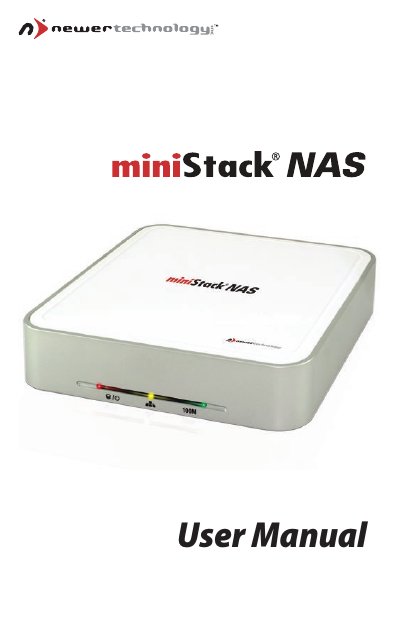
This manual guides you through the installation and configuration of the Newer Technology miniStack NAS. It covers hardware setup, required tools, system requirements for both Windows and Mac, and detailed instructions for connecting the device via USB or Ethernet.
Later sections explain driver installation, device registration, mounting the NAS as a drive, disk formatting recommendations, fan speed settings, and troubleshooting tips. Appendices include technical questions and RMA information. This manual is written in Chinese.
| Minimum PC Processor | Intel Processor II |
|---|---|
| Front LED Status Lights | Red = HDD Access & Power, Amber = Network Access, Green = 100 Mbps connection |
| USB Interface | USB 2.0 port |
| Ethernet Interface | 100Base‑TX (RJ‑45) port |
| Hard‑drive Jumper Setting | Master |
| Fan Speed Settings | Auto, Manual Low, Manual High |
No – the manual advises not to connect the USB and Ethernet cables simultaneously.
The recommended setting is Automatic (Auto), which adjusts the fan speed as needed.