
Code Reader 2 is a powerful code reader that allows for setup, main operations, database, PIN calculator, transponder catalogue, EEPROM calculator, special functions, and transponder programming. It supports various types of transponders and has the ability to copy them.
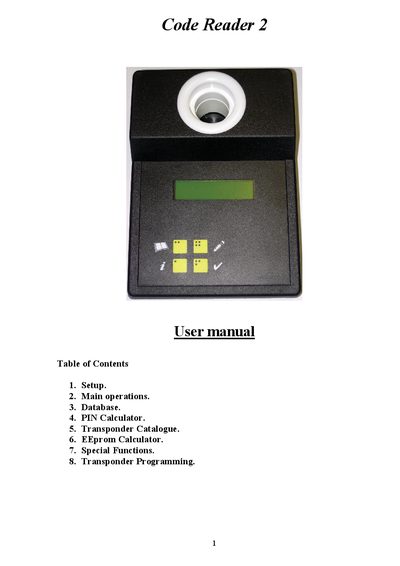
The manual begins with a Setup section that explains how to connect the Code Reader‑2 to a PC using a USB security key and data cable, select the COM port, and run a transmission test. It also describes how to log in with a security card and view device information such as hardware version and serial number.
Subsequent sections cover main operations (identifying and reading transponders), database management, PIN calculation for KIA/Hyundai, a catalogue of supported transponder types, EEprom calculations, and special functions for copying and programming various automotive immobilizer transponders.
| Hardware version | 7200-160 |
|---|---|
| Serial number | S305646B 01 000088 |
Insert the USB security key into the PC, connect the Code Reader‑2 with the data cable, turn it on, place the security card over the device hole, and run a transmission test.
After the transponder is identified, the Write button becomes active (shown in red). Press the Write button while the new transponder is held near the device hole until the process finishes.
It calculates the 6‑digit login code for KIA and Hyundai vehicles from the last six digits of the VIN.