
This is a user manual for a watch, which can set time, date, alarm, stopwatch, etc.
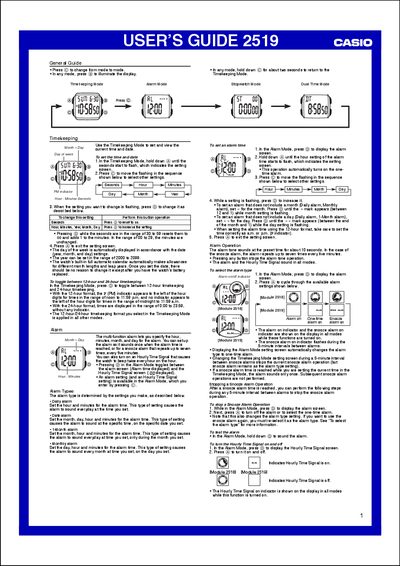
The guide covers the main operating modes of the 2519 watch. In Timekeeping Mode you can set the date, time, and toggle between 12‑hour and 24‑hour formats. The Alarm mode lets you configure daily, date, monthly or one‑time alarms, as well as a snooze function and an hourly time signal.
Additional features include a Stopwatch with split‑time and two‑finish measurements, a Dual‑Time mode for tracking a second time zone, and backlight operation. The manual also describes auto‑return of setting screens, data scrolling, and backlight precautions.
| Year setting range | 2000‑2099 |
|---|---|
| Stopwatch display range | 28 h 59 m 59.99 s |
| Backlight type | LED |
In Timekeeping Mode, press the © button to switch between 12‑hour and 24‑hour time formats.