
This manual introduces the features and characteristics of the LCD monitor, including maximum resolution, refresh rate, viewing angle, etc.
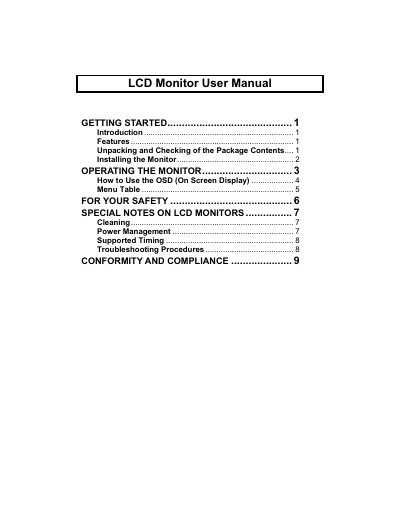
This manual explains how to unpack, install, and connect the LCD monitor, as well as how to use its on‑screen display (OSD) and adjust picture settings. It also covers power‑saving features, supported video timings, and compliance with FCC, CE, and Energy Star standards.
Key sections include safety warnings, cleaning instructions, power management, troubleshooting steps, and a detailed menu table for quick reference while using the monitor.
| Maximum resolution | 1280 × 1024 pixels |
|---|---|
| Color depth | up to 16.2 M colors |
| Viewing angle tilt range | -3° to 20° |
| Power‑saving compliance | VESA DPMS‑compliant |
Turn off the PC and monitor, then connect a VGA cable to the VGA ports, optionally use a DVI cable for dual‑model units, attach the audio cable, and plug the power adapter into an outlet.
Use the specified power supply, keep the monitor away from water and extreme temperatures, do not touch the plug with wet hands, and disconnect cables before moving the unit.
Press the MENU button to open the OSD, then use the e/f buttons to navigate and adjust options such as brightness, contrast, and color temperature.