
TAAC Java manual, introduces the functions and usage methods of TAAC Java
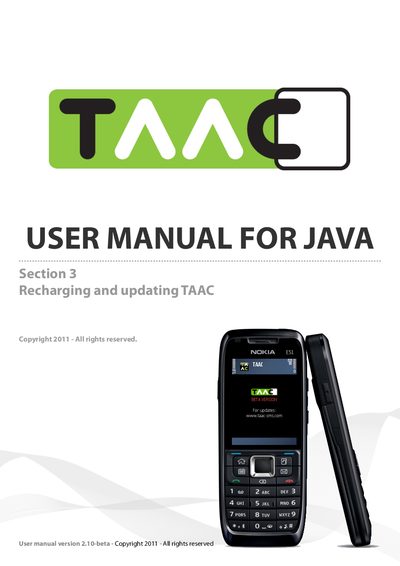
This manual explains how to use the TAAC application on Java‑compatible mobile phones. It describes how to check available credits, load new credits, and prepare upgrades, with screenshots based on the Nokia E51 example.
The document also provides contact information for technical support, feedback, and a link to the online FAQ where users can find answers to common questions about the application.
| Version | 2.10‑beta |
|---|---|
| Release year | 2011 |
Open the TA Enter License screen; it shows the number of credits remaining.
Select the “Load credits” option and follow the on‑screen instructions to add credits.
Choose “Prepare Upgrade”, then follow the link sent by SMS to download and install the new version.
You can email [email protected] for problems or [email protected] for suggestions; the website also hosts an FAQ.