
This manual introduces the basic operation methods of the bilingual translator, including power supply, micro-sd card, text reading and mp3 file usage methods.
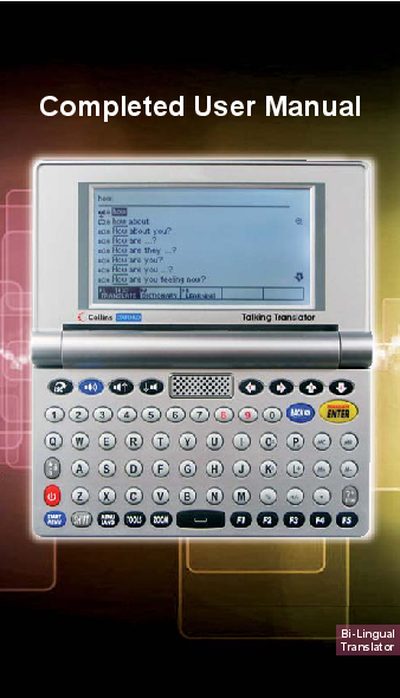
The translator is powered by two AAA alkaline batteries (included) and can also run via a mini‑USB connection to a PC or laptop, though the USB does not charge the batteries. A micro‑SD card slot on the side accepts cards up to 8 GB for storing text, audio, and other files.
The manual details how to use the Text Reader, MP3 Player, File Manager, and built‑in games, as well as how to reset the device, adjust auto‑shut‑off time, and manage files through a USB connection to a Windows computer.
| Power source | 2 AAA alkaline batteries (non‑rechargeable) |
|---|---|
| USB operation | Can operate via mini‑USB (PC/laptop), Windows only |
| Micro‑SD capacity | Supports cards up to 8 GB |
| Auto shut‑off default | 3 minutes |
| Battery replacement interval | Every 6 months |
It uses two AAA alkaline (non‑rechargeable) batteries, which are included with the device.
Yes, connect the translator to a Windows computer with a USB cable to copy text or MP3 files; the USB driver installs automatically the first time.
The device accepts micro‑SD cards up to 8 GB in capacity.