
This manual introduces the hardware components, quick installation and usage, web configurations, features and specifications of the MPEG-4 video server.
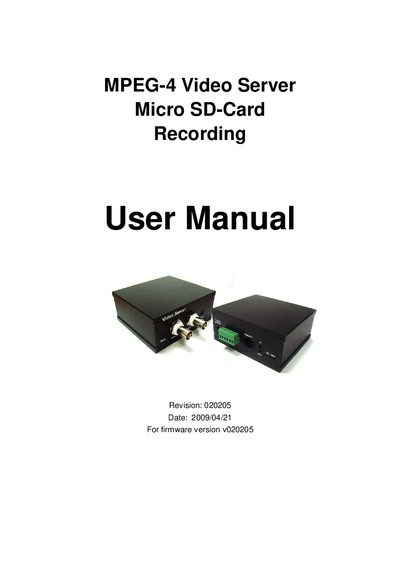
The MPEG-4 Video Server is a network‑enabled device that converts analog CCTV video to digital MPEG‑4 streams, supports micro‑SD storage, and offers web, email/FTP, and RS‑485 alarm functions. It includes built‑in motion detection, 3GPP/ISMA mobile streaming, and can be managed via a standard web browser or the CamView software.
The manual guides users through quick installation (connecting a camera, network, and installing CamView), hardware description, web configuration, and advanced settings such as video resolution, bandwidth, and RS‑485 control. Appendices cover tested routers, performance data, and integration details.
| Power Input | 12 V / 0.5 A |
|---|---|
| Video Resolution | Full D1 (720×480 NTSC, 720×576 PAL) |
| Frame Rate | 30 fps |
| Video Codec | MPEG‑4 |
| Audio Codecs | AMR‑NB, MPEG‑2 audio |
| RS‑485 Interface | Supports Pelco‑P and Pelco‑D protocols |
| Micro‑SD Card Slot | For local video storage |
| Ethernet Interface | RJ45 Ethernet jack |
Press the reset button with a small stick (e.g., a pencil) for more than 4 seconds to restore factory settings.
Enter the RTSP address rtsp://ip_cam_address/CAM_ID.password in the phone’s video player; no public IP or DDNS is required.