
WiSnap User Manual, introduces WiSnap hardware interface, configuration methods and command reference
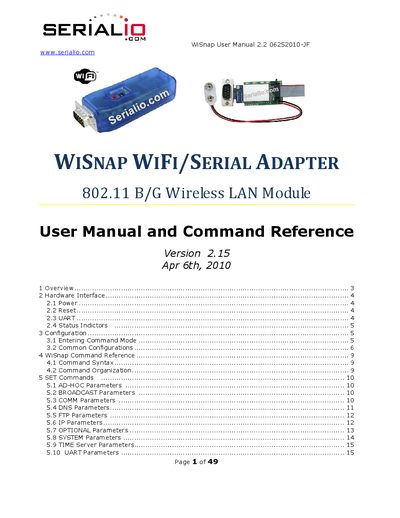
The WiSnap is a stand‑alone wireless LAN module with an on‑board TCP/IP stack and RS‑232 interface. It supports 802.11b/g, up to 4 Mbps sustained data rate, ultra‑low power operation, and includes flash memory, RAM, digital I/O, analog inputs, and a real‑time clock. The manual covers hardware connections, power options, command‑line configuration, and advanced features such as ad‑hoc networking and wake‑on‑timer.
Key sections describe how to power the module, reset it, use the UART interface, monitor status LEDs, enter command mode ("$$$"), configure WLAN parameters, set IP and port settings, and manage power‑saving timers. Firmware release notes and troubleshooting tips are also included.
| Wireless standard | 802.11b/g |
|---|---|
| Maximum data rate | 4 Mbps sustained |
| Flash memory | 8 Mbit |
| RAM | 128 KB |
| Analog inputs | 8 |
| Operating voltage | 3.3 VDC (regulated) or 2.0‑3.3 VDC battery |
Type "$$$" in the terminal emulator; the module will respond with "CMD" indicating command mode is active.
The defaults are 9600 baud, 8 data bits, no parity, 1 stop bit, and hardware flow control disabled.