
This manual describes the features and usage of the CE-300 Audio KVM Extender
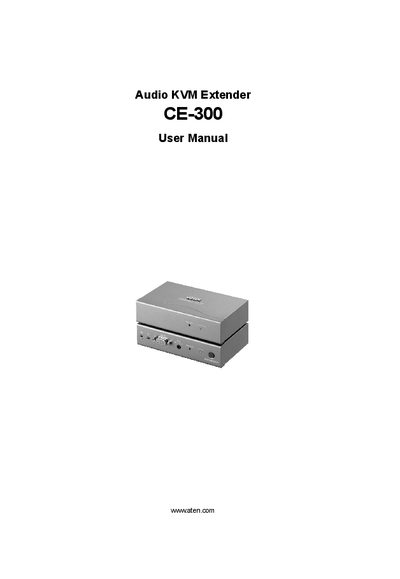
This manual covers all aspects of installing, configuring, and operating the ATEN CE-300 Audio KVM Extender. It includes an introduction to the system, hardware setup steps, operation guidelines, and firmware upgrade procedures.
Additional sections provide technical specifications, wiring diagrams, troubleshooting tips, and warranty information, helping users ensure reliable performance in network management environments.
| Maximum VGA cable distance | 20 m |
|---|---|
| Units included | Local Unit (CE-300L) and Remote Unit (CE-300R) |
| Power adapters included | 2 |
| Rack mounting kits included | 2 |
The VGA cable should not be longer than 20 m; longer runs may cause display issues.
The CE-300 uses SPHD connectors, and only ATEN‑designed KVM cables can be connected to them.
Use the Firmware Upgrade Utility described in Chapter 4 of the manual to load the latest firmware version.