
This quick installation guide introduces the installation and configuration of the BVA 8051/8052/8053 series broadband VoIP adapter.
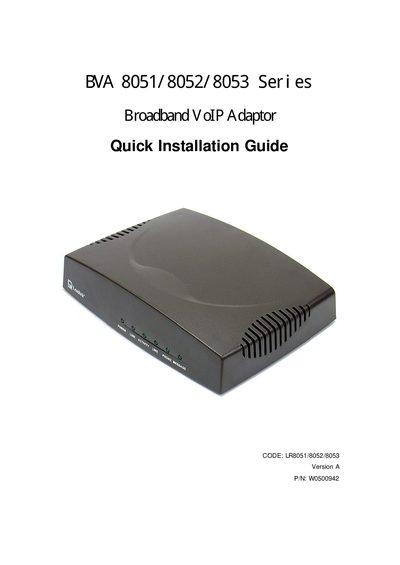
This guide covers the BVA 8051/8052/8053 Series broadband VoIP adapters, which provide voice over IP services with Ethernet and telephone line connections. It includes a list of package contents, wiring diagrams, and step‑by‑step installation instructions for each model variant.
Key sections describe powering on the device, restoring factory defaults, configuring settings via a web browser or telephone keypad, firmware upgrades, advanced calling features, LED indicator meanings, and FCC compliance information.
| Code | LR8051/8052/8053 |
|---|---|
| Version | A |
| Part Number | W0500942 |
Unplug the power, connect the telephone to PHONE 1, lift the handset, press and hold the RESET button while plugging the power back, wait for the LEDs to flash, then release the button and wait for all LEDs to stop flashing.