
This document is the hardware usage manual for Asus notebook computers released in April 2009, which introduces the usage precautions, appearance introduction, recovery methods, and other information of Asus notebook computers.
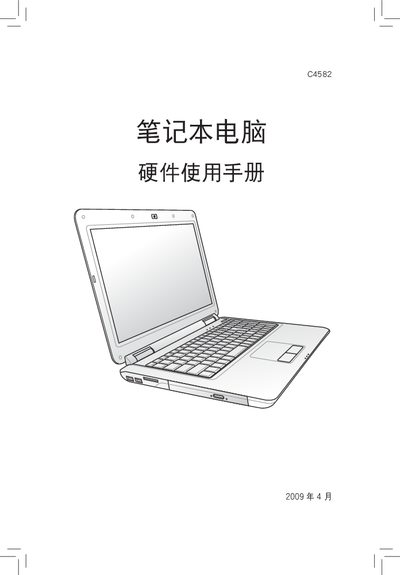
This manual provides safety instructions, usage precautions, and installation steps for ASUS laptop hardware. It includes warnings about proper handling, temperature limits, and power requirements.
The document also explains how to check hardware components in the operating system and offers troubleshooting tips for common issues such as overheating and power supply problems. This manual is written in Chinese.
| Input Voltage | 110V‑240V |
|---|---|
| Recommended Wire Gauge | AWG 26 or larger |
| Maximum Operating Temperature | 35°C |
The power adapter works with an input voltage of 110 V to 240 V.
Use AWG 26 or a thicker gauge for the power cable.
Do not exceed an ambient temperature of 35 °C.