
lope is an integrated software for keil c51 compiler, which supports editing, compiling, debugging c and assembly language, and can simulate and debug various formats of files (source files, binary files, hexadecimal files).
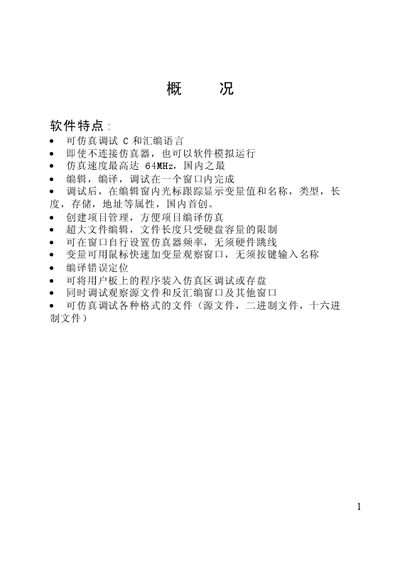
This manual describes the LOPE simulation environment for 8051 microcontrollers. It covers system requirements, installation procedures, and how to set up the software using the Keil C51 compiler. Detailed instructions guide users through copying necessary Keil files, running the setup program, and launching LOPE from the Start menu.
The document also explains the LOPE user interface, including the main window, toolbar shortcuts, status bar, and various debugging windows such as the variable observation window, disassembly view, and register windows. Tips for using shortcut keys, adjusting display resolution, and monitoring program execution are provided. This manual is written in Chinese.
| Operating System | Windows 95/98/NT |
|---|---|
| CPU Requirement | 486‑100 or higher |
| Disk Space | 20 T free |
| Maximum Simulation Speed | 64 MHz |
LOPE requires Windows 95/98/NT, a 486‑100 MHz CPU or faster, at least 32 MB of RAM, and about 20 T of free disk space.
Insert the LOPE CD, run setup.exe, follow the prompts, restart the computer, and then launch LOPE from the Start menu.
The toolbar provides thirteen shortcut keys, each showing a tooltip after hovering for about 0.8 seconds, allowing quick access to common commands.