
This document is about the user manual for VoIP/PSTN IP-Phone version 0.96. The manual provides the functionality diagram of the phone, explanation of panel button functions, and instructions for using the Web user interface.
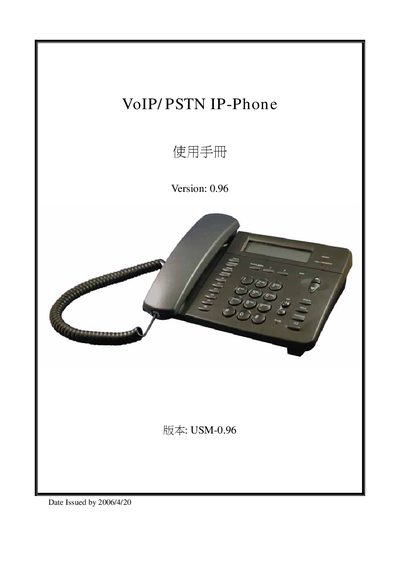
The manual describes the basic operation of the IP‑Phone, including call handling, phone book management, LED status indicators, and ringtone settings. It also explains how to use the device's built‑in functions such as call forwarding, speed dial and message display.
It details the Web UI for administrators, showing how to access the interface (http://192.168.22.7), configure network parameters, set up VoIP routing, provisioning, firewall and NAT, and use the advanced engineering mode for low‑level parameter adjustments. This manual is written in Chinese.
| Firmware version | 0.96 |
|---|---|
| Date issued | 2006/4/20 |
Open a web browser on a PC connected to the same LAN and go to http://192.168.22.7, then log in with the default administrator account.