
This document introduces the Phidgets 1133 sound sensor and how to use it
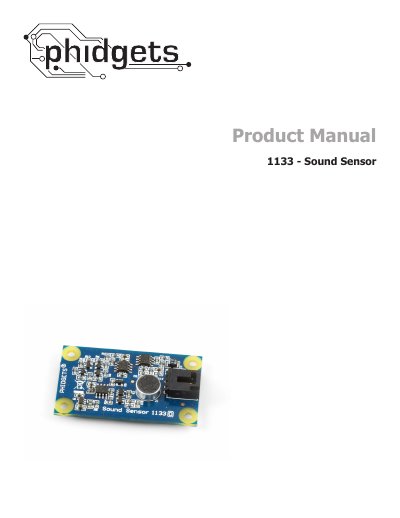
This manual explains how to connect the Phidgets 1133 Sound Sensor to a PhidgetInterfaceKit and a PC, covering required cables and driver installation for Windows and Mac OS X. It includes step‑by‑step instructions for testing the sensor, adjusting sensitivity, and using the Phidget Control Panel.
The document also details programming support across multiple languages, provides the formula to convert sensor readings to decibels, and lists technical specifications such as frequency range, sound pressure range, and electrical characteristics. Additional information includes analog input cable connector part numbers, mechanical drawing, and support contact details.
| Current Consumption | 8.5 mA |
|---|---|
| Resolution | 30 mV/dB |
| Input Sound Range | 50 to 100 dB |
| Error (@ 1000Hz) | ±3 dB |
| Input Frequency Range | 100 Hz to 8 kHz |
Connect the sensor cable to an analog input on a PhidgetInterfaceKit, then attach the InterfaceKit to the PC with the USB cable.
The sensor operates over a frequency range of 100 Hz to 8 kHz.
It measures sound pressure levels from 50 dB up to 100 dB.
Use the formula SPL = 16.801 × ln(SensorValue) + 9.872.