
This document introduces the usage of the 71M6521 Demo Board
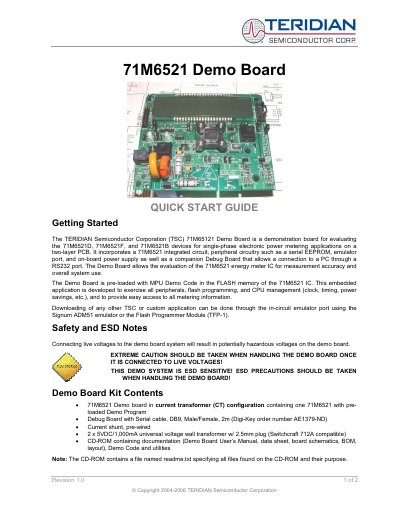
The Teridian 71M6521 Demo Board Quick Start Guide provides an introduction to the evaluation board that incorporates the 71M6521 integrated circuit, a serial EEPROM, an emulator port and an on‑board power supply. It explains how to connect the board to a PC via the Debug Board’s RS‑232 port and how to use the pre‑loaded demo program for single‑phase electronic power‑metering applications.
The guide also lists the kit contents, safety and ESD precautions, test‑setup wiring, and where to find additional documentation, software and support. Users are directed to the CD‑ROM for detailed manuals, data sheets, schematics and utilities, and to Teridian’s website for updates.
| Energy per pulse (Kh) | 1.0 Wh/pulse (CT 2000:1) |
|---|---|
| Integrated circuit | 71M6521 |
| Power supply | 5 VDC / 1 A universal wall transformer (2 units) |
| Peripheral circuitry | Serial EEPROM |
Additional applications can be downloaded through the in‑circuit emulator port using a Signum ADM51 emulator or the Flash Programmer Module (TFP‑1).
The demo board provides a Kh of 1.0 Wh per pulse when used with a current transformer having a 2,000:1 winding ratio.