
This is a USB 3.0 PCI Express card with a low profile slot cover and a 4-pin power adapter.
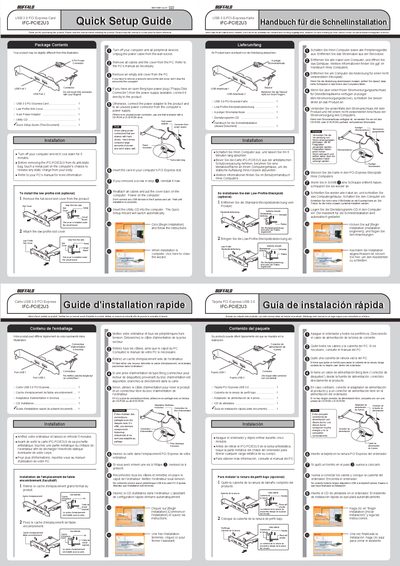
This guide walks you through the safe installation of the Buffalo IFC‑PCIE2U3 USB 3.0 PCI Express card. It covers preparation steps such as powering down the computer, discharging static, and removing the PC case cover. The guide also explains how to install an optional low‑profile slot cover and how to connect the required 4‑pin power adapter.
After the hardware is installed, the Quick Setup Wizard on the supplied utility CD launches automatically to install drivers. The guide reminds you not to connect any USB devices to the card until the installation is complete and provides troubleshooting tips for power‑connector selection.
| Interface | PCI Express |
|---|---|
| USB Version | USB 3.0 |
| Power Connector | 4‑pin power connector |
| Low‑Profile Option | Optional low‑profile slot cover |