
This manual introduces the features and operating methods of the Privacy Plus Trunked MAX638 mobile radio.
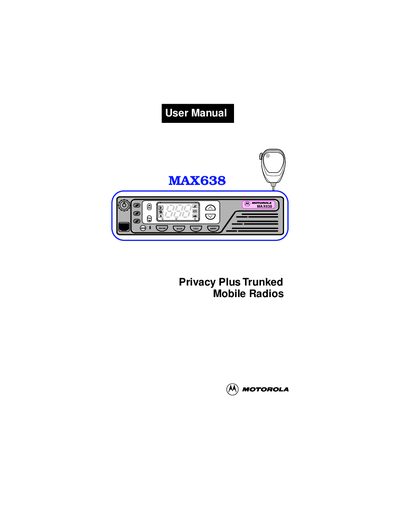
This manual provides detailed instructions for the Motorola MAX638 trunked mobile radio, covering general information, button functions, basic operation, and programming features. It also includes safety guidelines, radio care tips, and warranty information.
The guide is organized with clear sections such as General Information, Functions of the Buttons, Basic Operation, Programming/Viewing a Scan List, Radio Care, and Limited Warranty, making it easy for users and technicians to find the needed information.
Use the Radio On/Off and Volume Control knob to power the unit and set the audio level.
The red LED lights continuously when the radio is transmitting.
Motorola provides a two‑year warranty for the radio and a one‑year warranty for the rechargeable batteries.