
6BX7+ user manual, which introduces the features of 6BX7+, including Suspend To RAM Function, CPU Over Voltage Select (Magic Booster), Support Dual BIOS and BIOS Write Protection, System power on by PS/2 Mouse, System power on by Keyboard, Supports 3 steps ACPI LED, Modem Ring-On (COM A , B), Wake-Up on LAN
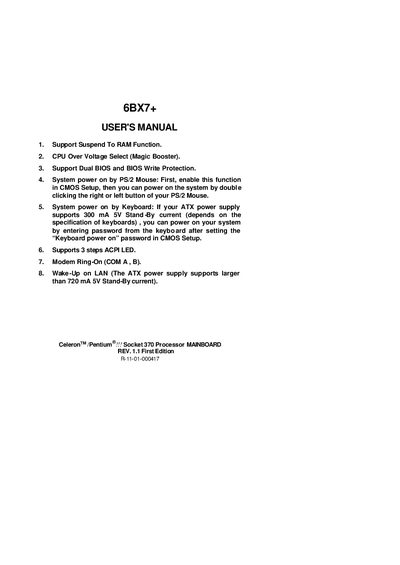
This manual covers the features of the GA-6BX7+ mainboard, including support for Suspend‑to‑RAM, Dual BIOS, CPU over‑voltage selection, and power‑on functions via mouse or keyboard. It also explains the quick installation guide for CPU speed setup and the required jumper configurations.
Detailed hardware installation steps are provided, covering DRAM module installation, IDE/ATAPI device connections, speaker and reset switch connectors, and power‑LED wiring. Safety notes such as static‑electric precautions and battery replacement guidelines are also included.
| CPU socket | Socket 370 |
|---|---|
| System bus speed options | 66 MHz or 100 MHz |
| Supported DRAM capacity | 8 MB ~ 1 GB SDRAM |
| Dual BIOS support | Yes |
Enable the mouse power‑on function in CMOS Setup, then double‑click the right or left mouse button to start the system.
Do not set the CPU ratio above 8, as it is not supported.
Replace it only with the same or equivalent type recommended by the manufacturer and follow the safety instructions.